
The short answer
Find the manufacturer’s handover instructions for your model and system, and distinguish deleting data in the car from removing it from accounts and services. Follow the specified order, then check that the buyer can begin their own setup.
Who this guide is for
For sellers and buyers of used cars in Israel, particularly vehicles linked to an app, personal profile or digital key.
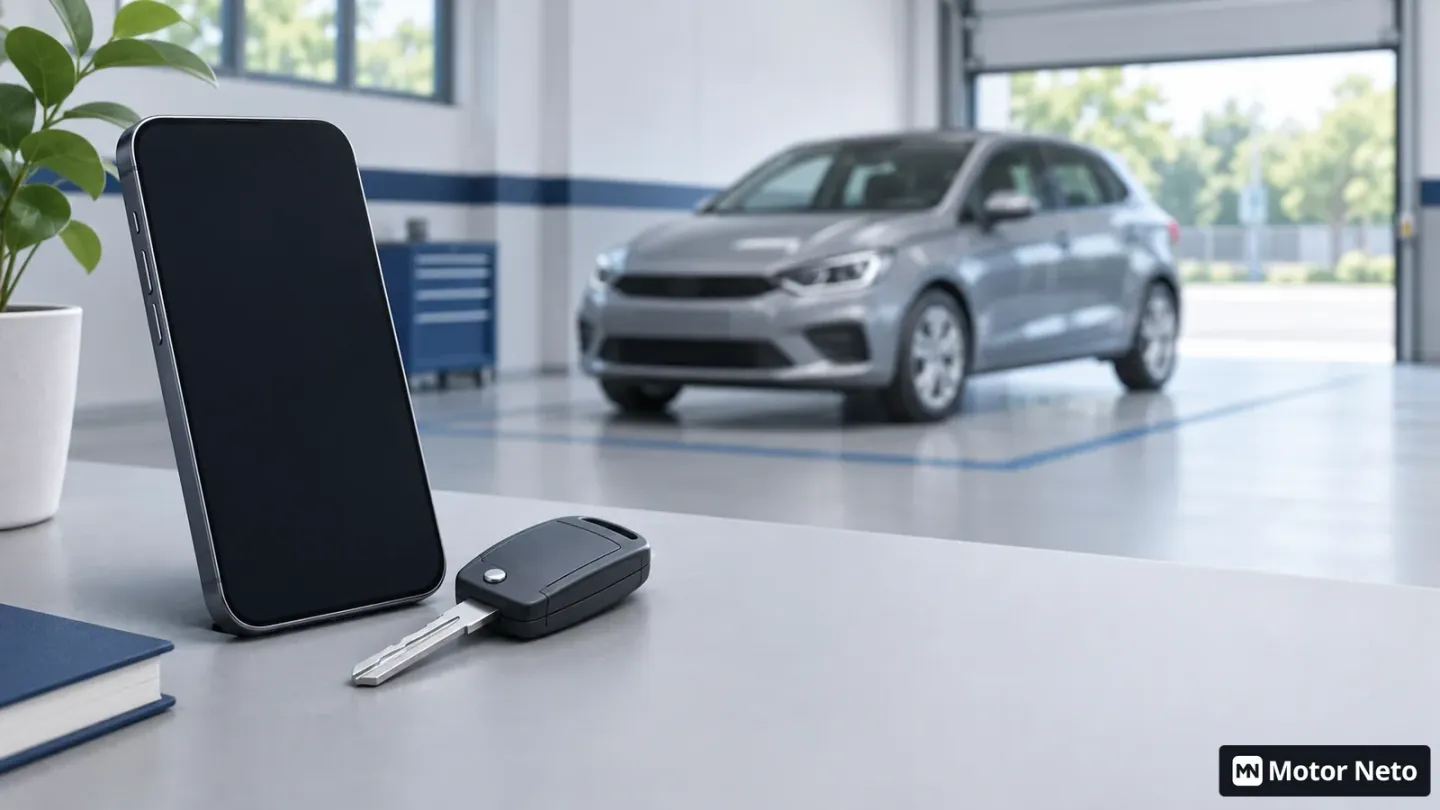
Before handing over a car, end your digital connection to it as well. Start with the manufacturer’s instructions for the model, production year and installed system. Removing a phone from the Bluetooth list, resetting the screen and removing the vehicle from a manufacturer account are different actions. Do not assume that one has automatically completed the others.
You do not need to be a computer specialist. You need to know which services you connected, who manages them and how each connection ends. Israeli ownership transfer (העברת בעלות) is a separate process; completing it does not confirm that every digital profile and service has ended.
Start with a list of connections, not the reset button
Sit in the parked car and review the systems you have used. List paired phones, driver profiles, a manufacturer account, navigation or music apps and digital keys, where present. Add separate services in which you entered the registration number, such as parking, toll roads or charging. This is a list to investigate, not a statement that your car has all these services.
Beside each item, note where it is managed: on the car’s screen, in a phone app or by the service provider. This distinction matters particularly when two people have used the vehicle. Ask the other user to check their own account; you do not need their password or to sign in on their behalf.
Do not hand your personal account to the buyer as a temporary solution. If a service offers ownership changes or invitations for new users, use the official process. If that is unclear, contact support before the handover appointment. You can then avoid discovering at the last moment that you need an old phone, a different email address or the person designated as the account owner.
Keep what needs to be handed over and what you need to retain
Before deleting anything, separate personal information from vehicle documents. Service invoices, warranty conditions and repair confirmations are not substitutes for a driver profile. There is no need to delete them to remove contacts from the entertainment system. Keep copies of documents you need and prepare the information agreed for the buyer, removing unnecessary personal details.
If the service history appears only in an app, establish how the buyer can obtain it after the user changes. Do not promise that cloud records will transfer automatically. Ask the importer or service provider for an answer specific to the vehicle and account.
This is also a useful moment to organise the servicing record by time and mileage. The aim is to present existing documents understandably, not create a new record that replaces an invoice. Keep confirmations of paid-service cancellations or changes separately, so that a later charge can be investigated without searching through all your correspondence again.
Follow the model’s instructions, not another car’s menu
Volvo’s Israeli instructions for removing a car from its app illustrate the distinction: the manufacturer asks owners to remove the vehicle inside the app before selling, and warns that uninstalling the app from the phone is not the same action. This is one manufacturer’s example, not a universal sequence of buttons.
Look in the vehicle manual or support website for selling a car, changing owners, factory resets and digital keys. Check that the page applies to your system. If the screen shows a different menu, stop and obtain the right instructions instead of trying similarly named actions.
Perform only actions you are authorised to take as the owner or account administrator. There is no need to bypass a lock, dismantle a system or delete software. When support is required, identify exactly what remains unfinished and request a case number. Also establish whether the action can happen before handover or needs both parties present.
Afterwards, check the result you can see: whether old phones and profiles remain on the screen, and whether the car still appears in your account’s vehicle list. A name disappearing from the screen is a useful check, but does not prove deletion from every manufacturer system. Do not make a sweeping privacy guarantee that you cannot verify.
Separate external services from the car’s own system
A parking app or charging account may be managed separately from the vehicle. Work through your list and ask each provider whether to remove a registration number, cancel a link or end a subscription. Do not assume that resetting the screen notifies those providers.
Coordinate changes with the handover time and actual use. If you need a service until the appointment, record a task for the appropriate moment instead of relying on memory. If a charge appears afterwards, check the usage date and agreement before deciding who is responsible. Terms vary between services; this guide does not determine refund rights or contractual obligations.
The buyer should create their own accounts and read the service terms before activation. A service used by the seller is not necessarily included in the car’s price or available to the buyer on identical terms. If the seller has promised an active subscription or paid feature, request a document explaining what can be transferred and when it expires.
Finish with a handover you can document
Allow time for the digital handover alongside checking keys and paperwork. Record which actions were completed, when, and what still needs support. There is no need to photograph contacts, saved addresses or full account screens to prove an action; a service confirmation or short record that does not copy private information is preferable.
The buyer should check that they can begin the official setup without asking the seller to leave a password behind. If the previous account holder’s authorisation is missing, agree who will obtain it and when. A connection difficulty does not prove a vehicle fault, but should not become an open-ended promise after payment either.
Combine this check with the inspection sequence before buying a used car. It adds a handover layer to the mechanical condition and transaction paperwork; it does not replace either.
Checklist before you continue
End the appointment with two things clear: which keys and documents changed hands, and which digital connections ended. Anything still open needs an identified person and a defined action, not just a promise to deal with it later.
Found an error or outdated information? Read how we handle corrections and sources, or email us: [email protected].